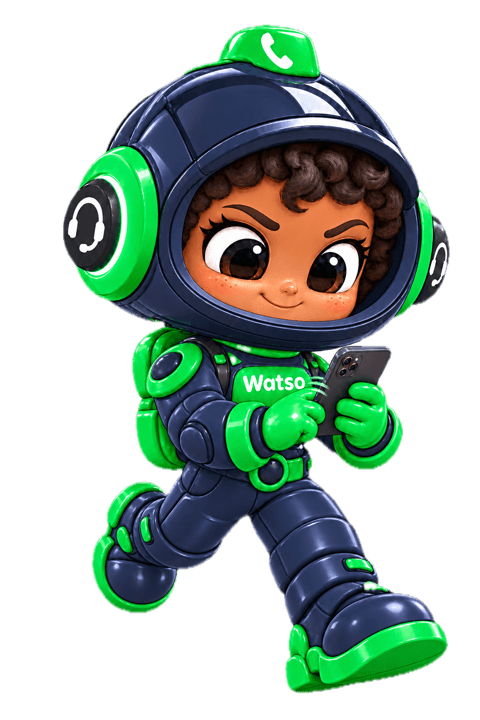
The WhatsApp bot for online stores that replies and sells 24/7
Your customers ask on WhatsApp. Watso answers instantly from your real products, prices and stock, sends the product card and a checkout link, and hands the chat to your team when a person is needed.
- Official WhatsApp Business API
- Understands voice notes
- COD order confirmation
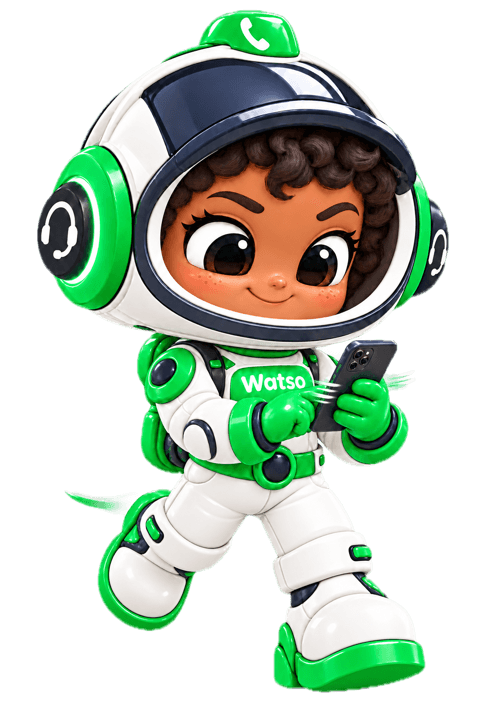
Three jobs it takes off your plate
A WhatsApp auto reply that does more than say hello: it sells, routes and follows up.
- 01
Instant replies that sell
Searches your catalog, compares products, tracks orders and sends a checkout link inside the chat. Selling on WhatsApp from the first message.
- 02
Routes the chat to the right person
When a customer asks for a person or sounds upset, Watso hands the chat to your team with a ready summary, so nobody reads twenty messages before replying.
- 03
Automatic follow-up
Nudges a customer who went quiet after the delay you set, and picks up an abandoned cart where they left it.
Everything your store needs on WhatsApp
Built on Meta's official WhatsApp Cloud API and wired straight to your store data.
- Official connection, Meta's own flowConnect your number from the dashboard through Meta's official signup window, with no keys to copy. If your number runs on the WhatsApp Business app, it can stay there alongside Watso.
- Understands voice notesTurns a voice note into text and answers what was said, because many customers in the Gulf ask by voice.
- Tappable product cardsWith a Meta catalog connected, it sends the product card with image, price and a view button instead of describing it in text.
- Cash-on-delivery confirmationAsks the buyer of a new COD order with two buttons, Confirm and Cancel, and writes the answer onto the order in your Salla or Shopify store.
- Templates and the 24-hour windowReplies freely inside the 24-hour window and sends only Meta-approved templates outside it. Create templates and submit them for approval from the dashboard.
- Protects your numberStops marketing at once for anyone who writes STOP, tracks your number's quality rating at Meta, and skips numbers that rejected your messages.
How Watso sells on WhatsApp
From the first question to a confirmed order, in one conversation.
 WatsoWhatsApp · now
An illustrative example, not a real customer conversation.
Live in three steps
- 1Connect your storeSalla, Zid, Shopify or WooCommerce, so Watso can read your products and orders.
- 2Connect your WhatsApp numberFrom the dashboard, through Meta's official signup window.
- 3Set the rules and switch it onWorking hours, when to hand over to your team, when to follow up. Then it starts replying.
Questions merchants ask about the WhatsApp bot
Do I need the WhatsApp Business API? How do I connect it?
Yes, Watso runs on Meta's official WhatsApp Cloud API. You connect your number from the dashboard through Meta's official signup window. No developer needed.
Will my number get banned?
Watso follows Meta's rules: outside the 24-hour window it sends approved templates only, it stops marketing to anyone who opts out, and it tracks your quality rating at Meta and alerts you the moment it changes.
Can my team step into a conversation?
Yes. Watso hands the chat to your team with a summary, and anyone on the team can reply from the inbox. If you reply from the WhatsApp Business app on your phone, Watso stays out of that chat for 30 minutes.
Which languages does it reply in?
It replies in the customer's language: Arabic, English or Turkish. It understands voice notes too.
Is there a free trial?
Yes, every new account starts with a 14-day free trial that includes the agents.





Turn WhatsApp into a sales channel that runs itself
Connect your store and your number, and let Watso answer your customers from tonight.